
Cannon Balls Guide: Aim the Cannon and Clear the Counter
By Somia Alex
One Counter to Zero and One Barrier to Avoid
Open the Cannon Balls page and press Play Now. The game loads with the words Loading Game and Loading Assets. Then the title screen appears. It reads CANNON BALLS and ARCADE and 5 LEVELS. It shows Highest Level 1 at the start of the session. It shows two buttons, PLAY GAME and HOW TO PLAY. There is a speaker icon at the top right. That is the whole title screen. This blog tells you what actually happened, shot by shot.
The quick answer is this. Hold the mouse on the cannon and drag up to aim. The cannon fires on its own while you hold. Reduce the centre box counter to zero to clear the level. Never let a ball touch a spinning white barrier. Level 1 has a counter of 25 and one barrier. It was cleared once. Level 2 was not finished.
Hold Drag Aim and the Cannon Fires on Its Own
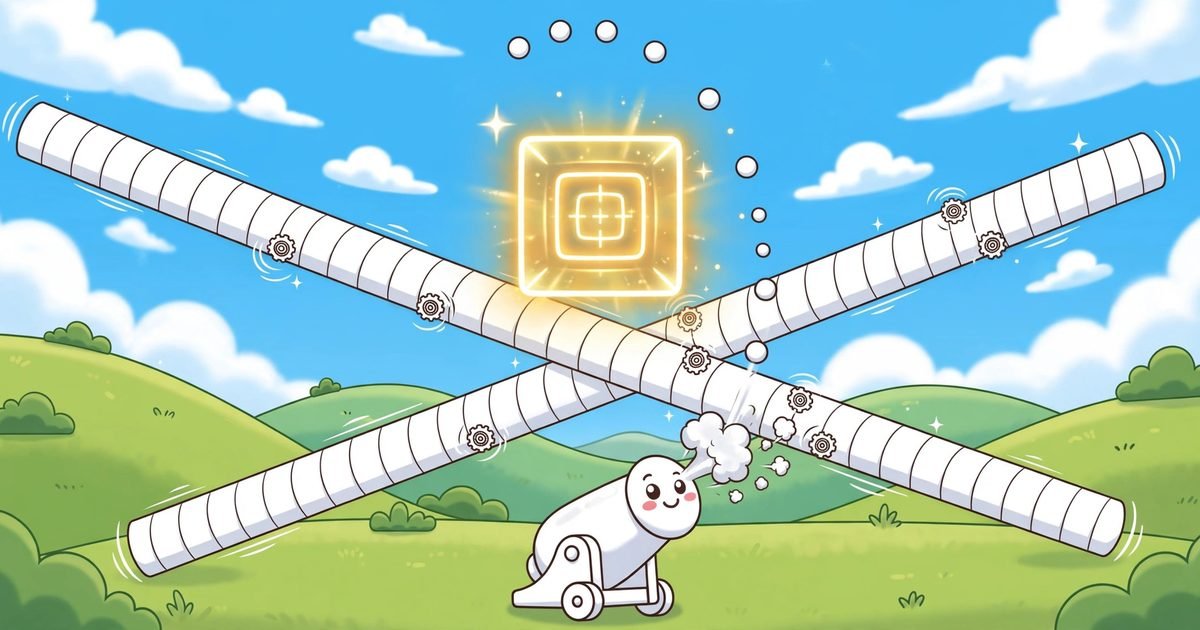
The How to Play panel gives three rules. Hold and drag to aim. The cannon auto fires while held. Reduce the centre box counter to zero to clear the level. Never hit the spinning white barriers. More barriers appear each level. Those rules were read on the screen. They matched play.
The control is mouse only. Press and hold the left mouse button on the white cannon at the bottom centre. Move the pointer up to aim. A dotted white trajectory line appears. It shows where the balls will go. The cannon fires small white balls toward the pointer direction on its own. Release the button and the firing stops. There is no fire button. Holding is firing.
That is a simple control with one catch. You cannot fire and stop at the same time. While you hold, balls keep flying. While balls fly, they can hit a barrier. So every shot is a choice. Hold longer and the counter falls faster. Hold longer and a ball is more likely to meet the barrier. The game is that choice, again and again.
The Dotted Line That Shows Where the Ball Goes
The dotted white line is the most useful thing on the screen. It appears when you hold and drag. It runs from the cannon toward the pointer. It shows the path of the next ball. It does not lie. If the line crosses a barrier, the ball will cross it too.
Watch the line before you hold for long. A short hold shows you the line. A long hold fires the balls. Check the line first. Then commit to the hold. That order saves runs. A player who holds first and looks later has already fired into the barrier.
Level 1 in Twelve Seconds of Straight Up Fire
Level 1 was completed once in the check that was done. The counter was 25. There was 1 barrier. Holding the aim straight up for about 12 seconds took the counter from 24 down to 1 and then to 0. The game advanced at once to Level 2. There was no separate level complete screen. There was no win screen. The next level simply began.
Straight up worked in Level 1 because the counter box sits in the centre. The cannon sits at the bottom centre. A straight up aim hits the box. The balls fly straight up. They hit the box. The counter falls. That is the shortest path in the game. It is also the most dangerous path, because the barrier crosses it too.
The top bar reads LEVEL 1 of 5. It shows five dots. The first dot was red in Level 1. The first two dots were red in Level 2. No label explains the dots. So this blog does not say what they mean. It only says the first dot was red in Level 1 and the first two were red in Level 2.
Level 2 Adds a Second Barrier and a Bigger Counter
Level 2 was reached but not completed. The counter was 40. There were 2 barriers on opposite sides. A continuous straight up hold for about 6 seconds reduced the counter from 40 to 31. That is 9 hits. Then a ball hit a barrier and the run ended.
Level 2 is harder in two ways at once. The counter is bigger, 40 instead of 25. The barriers are more, 2 instead of 1. More balls must be fired. More balls must miss the barriers. The margin for error shrinks from both sides.
Levels 3 to 5 were never reached. No final screen was seen. The title says there are 5 levels. The check that was done reached 2 of them. This blog does not guess what the later levels look like. It does not say how many barriers they have. It only says Level 1 has 1 barrier and Level 2 has 2.
The Barrier Crosses the Line Every Seven Seconds
The barrier timing was watched in Level 1 without firing for about 20 seconds. The barrier crosses the vertical firing line about every 7 to 8 seconds. That is the rhythm of the game. Every 7 to 8 seconds the line is blocked. Between crossings the line is clear.
That rhythm is what you play against. You do not fire all the time. You fire in the gaps. The barrier crosses. You wait. The barrier passes. You fire. The barrier comes back. You stop. That is the whole timing of Cannon Balls.
One warning matters more than the rest. A ball already in flight can still hit the barrier even when you move the aim away. The warning before a crossing is only about 1 second. So stopping at the last moment does not save a ball that is already flying. You have to stop early. A ball fired one second before the crossing is already lost.
One Touch Ends the Run and Try Again Starts at Level 1
A ball hitting a spinning white barrier ends the run at once. That was seen 3 times in Level 1 and once in Level 2. The Game Over screen reads GAME OVER and BARRIER HIT. It reads Failed on Level 1 or Level 2. It shows Best Level 1 at first, then Best Level 2 after Level 2 was reached. It shows two buttons, TRY AGAIN and MENU.
TRY AGAIN restarts the whole game at Level 1 of 5. The counter goes back to 25. It does not resume at Level 2. That was seen in the check that was done. A run that reaches Level 2 and loses there starts again from Level 1. There is no continue. There is no checkpoint. The Highest Level on the title screen remembers that you reached Level 2. But the run itself starts over.
MENU returns to the title screen. That is all it does. It does not save a run. It does not keep the counter. The title screen shows Highest Level 2 after Level 2 was reached once. That number is the only thing that survives a lost run.
The Five Dots at the Top and What They Do Not Say
The top bar shows LEVEL 1 of 5 or LEVEL 2 of 5 and five dots. The dots change colour as you advance. The first dot was red in Level 1. The first two were red in Level 2. No label explains them. No text says what red means. So this blog does not claim they are progress markers. It only reports what was seen.
There is no score on the screen. There are no points. There are no coins. There are no stars. There are no hearts. There are no lives. There is no timer. There is no move counter. The only numbers are the level, the counter on the box and the five dots. That is a clean screen. You watch the counter and the barrier. Nothing else asks for your attention.
There are no settings on the screen. There is no pause button. There is no in game menu. The speaker icon was not clicked. Sound was not verified. Fullscreen was not clicked. Keyboard was not tried. Touch was not tried. So this blog tells you to use the mouse. Nothing else was proved.
What I Would Do Differently on the Next Run
I would fire in short bursts, not one long hold. A long hold fires many balls. Many balls meet the barrier. Short bursts fire a few balls in the gap between crossings. The counter falls slower. The run lasts longer. A slow clear beats a fast loss.
I would watch the barrier, not the counter. The counter tells you how far you have come. The barrier tells you whether the next ball will end the run. The barrier is the danger. The counter is only the score. Look at the danger first.
I would stop firing a full second before the barrier crosses. The warning is only about 1 second. A ball in flight cannot be called back. Stopping early loses one or two hits. Stopping late loses the run. The trade is not close.
I would aim straight up in Level 1 and nowhere else. Straight up is the shortest path to the box. It is also the path the barrier crosses. In Level 2 the second barrier sits on the other side. Straight up still hits the box. But the crossings come from both sides. The gaps get shorter. The bursts must get shorter too.
Questions From Behind the Cannon
How do you aim the cannon in Cannon Balls?
Press and hold the left mouse button on the white cannon at the bottom centre and move the pointer up to aim. A dotted white trajectory line shows where the balls will go. The cannon fires small white balls on its own while you hold. Release to stop firing.
What is the counter on the centre box?
It is the number of hits needed to clear the level. Level 1 has a counter of 25 with 1 barrier. Level 2 has a counter of 40 with 2 barriers. Reduce it to zero and the game advances at once to the next level, with no separate level complete screen.
How often does the barrier cross the firing line?
In Level 1 the barrier crosses the vertical firing line about every 7 to 8 seconds. A ball already in flight can still hit it even when you move the aim away, and the warning before a crossing is only about 1 second.
What happens when a ball hits a barrier?
The run ends at once. The Game Over screen reads GAME OVER and BARRIER HIT and shows which level you failed on. TRY AGAIN restarts the whole game at Level 1 with the counter back at 25. It does not resume at Level 2.
Is there a score or lives in Cannon Balls?
No score, points, coins, stars, hearts, lives, timer or move counter was shown. The only numbers are the level, the counter on the box and the five dots at the top. Levels 3 to 5 were never reached in the check that was done.
The Last Word on Cannon Balls
Cannon Balls is a game about waiting. The cannon fires on its own. The aim is simple. The counter falls when you hold. The barrier ends the run when you hold too long. The gap between crossings is about 7 to 8 seconds. The warning is about 1 second. Fire in the gap. Stop before the crossing. That is the whole game as it was played here.
If you like a game with more to dodge, try Blasting Balls. There you drag a cannon left and right and shoot a bouncing ball with a health number inside it. Or try Dot Split. There you hold to open gates and release to block drops, and the colours swap after every drop.
You can browse more games from the All Games page. You can read more about this site on the About Us page.